A calm fintech dashboard — teal, lots of white space, rounded but not bubbly.
Design Your Perfect Astryx Theme
React components your agent already knows. Good design taste, by default, for every screen your agent builds.Good design taste, by default, for every screen your agent builds.Mode
- Live preview on the pages your agent builds
- Code for Tailwind v4, StyleX and defineTheme
- 27 themes: 8 from Astryx, 19 by tweakui
58 agent-ready page templates & 150+ components, themed live
Your agent scaffolds any page or component with one command. The agent stays on-brand.IDE · for developer tools
Your theme, as a design library
Your theme becomes a FigCraft design library. Your agent builds real screens with your components, in your colours, type and corners.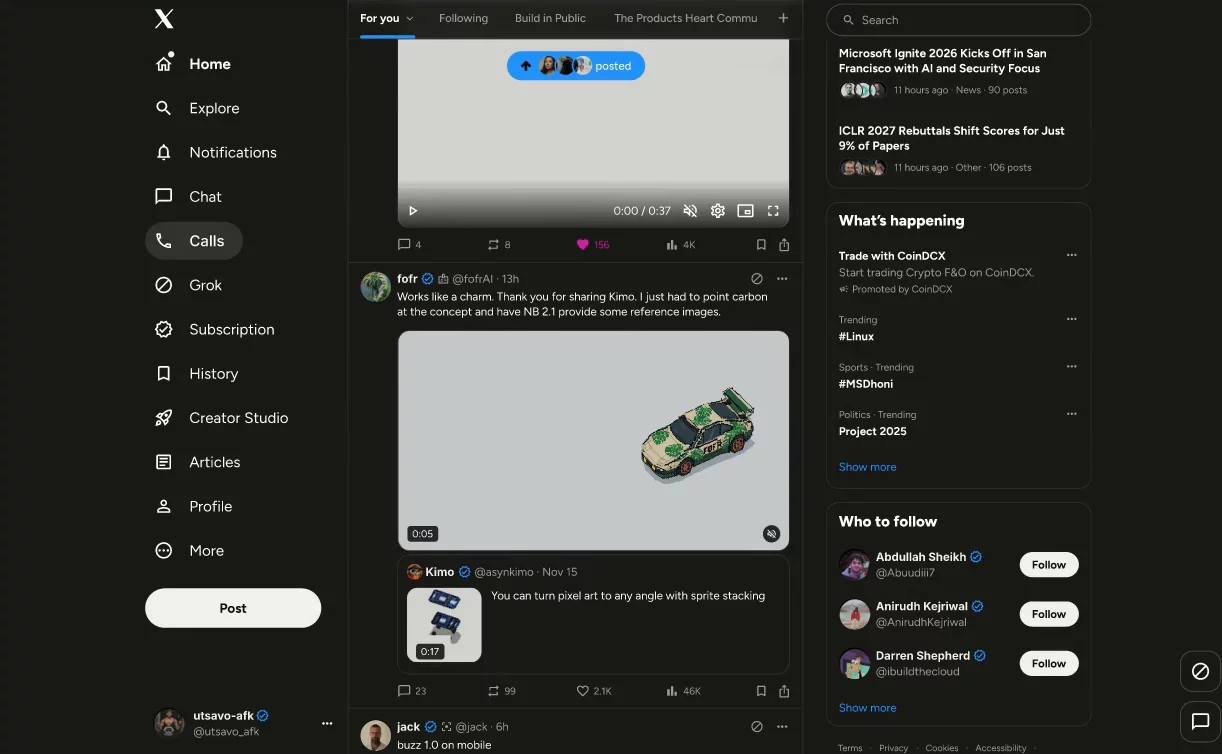
Claude builds an X home screen in FigCraft from the Astryx · Neutral library. 14 minutes, sped up.
Supercharge your AI agent with impeccable design taste
Keep every AI agent on-brand. One theme file, and every screen the agent builds matches your look.Works with Cursor, Claude, Codex, Grok and ompMade for coding agents
Agents already know these React components from their CLI, docs and AGENTS.md. Your theme is one file, so every screen they build matches.Seven choices, no design degree
Brand colour, neutrals, corners, density, fonts, contrast and light or dark. That's usually all it takes.Every token, if you want it
The Advanced drawer opens every design token and per-component override.See it on real pages
Dashboards, settings, sign-in and chat templates show your theme as you change it.Contrast checked for you
tweakui warns when text gets hard to read and offers a one-click fix.One file your agent can use
Export Tailwind v4, StyleX or defineTheme. Drop it in once; every component your agent adds picks it up.
Describe it, or show it a screenshot
- Create a new theme, remix the one you have, or tweak one detail
- Every answer is a checkpoint you can go back to
- Free accounts get 3 AI generations a month; Pro gets 300 and prompts with an image
Generate
Mode
How it works
Set the taste once. Your agent does the rest.- Step 1
Pick a theme
1 · Pick a theme
Start from one of 27 themes (8 from Astryx, 19 by tweakui), or describe yours to AI. The picker shows every preset with its colours.6 themesAstryx - Step 2
Tweak it
2 · Tweak it
Change colour, corners, fonts and density, and watch real pages update as you go.Make it yours
Seven choices. The preview updates as you pick.Brand colourSuggestionsFontsHeading + bodyShape - Step 3
Hand it to your agent
3 · Hand it to your agent
Copy one theme file into your app. Every component, from your agent or you, uses it.Use this theme in code
Built with astryx theme build from your choices and overrides (Astryx 0.7.16).1. Add the two files next to your stylesheet. 2. Import them in this order.Fontstheme.css@layer reset, astryx-base, astryx-theme;@layer reset {@scope ([data-astryx-theme="neutral"]) to ([data-astryx-theme]) {:where(h1, h2, h3, h4, h5, h6) {font-family: var(--font-family-heading);color: var(--color-text-primary);}:where(h1) {font-size: var(--text-heading-1-size);font-weight: var(--text-heading-1-weight);fonts.css@import url('https://fonts.googleapis.com/css2?family=Figtree:wght@400;500;600;700&display=swap');styles.css/* styles.css: keep this order */@layer reset, theme, base, astryx-base, astryx-theme, components, utilities;@import "./fonts.css";@import "tailwindcss/theme.css" layer(theme);@import "tailwindcss/preflight.css" layer(base);@import "@astryxdesign/core/reset.css";@import "@astryxdesign/core/astryx.css";@import "./theme.css";@import "@astryxdesign/core/tailwind-theme.css";@import "tailwindcss/utilities.css" layer(utilities);
One command. Your theme, in your app.
Start a new Astryx app or theme an existing one. Your agent gets a DESIGN.md that keeps every screen on-brand.create-tweakui in a terminal: pick a theme from the list with its colours, confirm the summary (Astryx, Next.js, the Y2K theme), and my-app is ready with next steps.
- New appnpm create tweakui@latest my-app
- New appnpm create tweakui
- Existing appnpx create-tweakui theme <link>
- Add a pagenpx create-tweakui add dashboard
Built for the design systems agents already know
Astryx today; shadcn/ui next. Themes follow each system's own tokens, so the code drops straight in.Astryx
Available now- 8 Astryx presets, plus 19 more by tweakui
- 58 page templates themed live
- Astryx 0.7.16
shadcn/ui
Coming soon- Same presets and AI
- Tailwind v4 CSS variables
- Blocks and examples preview
Free to start
Theme as many apps as you like for free. Pro adds 300 AI generations a month, prompts with an image and design-library exports.Free
$0For trying tweakui and theming a project- Every preset and every token
- Code export: Tailwind v4, StyleX, defineTheme
- 3 AI generations a month
- Save and share themes
Pro
$11 / monthFor people who theme often- Everything in Free
- 300 AI generations a month, with image input
- Your theme as a Figma-style design library
Questions, answered
Yes. Astryx components read the tokens of your tweakui theme, so every screen your coding agent builds with them, page templates included, comes out themed. No prompt tricks are needed.
No. The tweakui editor, every preset and code export work without an account, and your edits stay in your browser. Sign in with GitHub, Google or an email link to save themes and share them.
A tweakui export is one theme file for Tailwind v4, StyleX or Astryx's defineTheme, plus the font imports it needs. Add it next to your stylesheet and every Astryx component picks it up.
Yes. A tweakui theme only sets design tokens and component styles, so your existing pages and components stay as they are. You can also preview your own running app in the editor while you tweak.
Describe the look you want, or drop in a screenshot, and tweakui's AI turns it into a full theme, with every answer a checkpoint you can go back to. You keep refining by chat or by hand. Free accounts get 3 AI generations a month; Pro gets 300 and prompts with an image.
No. tweakui's preset themes, such as Discord and Claude, are inspired by other products' looks. tweakui isn't affiliated with those products, and their names belong to their owners.
Not yet. tweakui supports Astryx today. shadcn/ui themes, with the same presets and AI, are coming next.